Inventory and orphans
List SOP/WI/form/validation docs, owners, and next review date. Flag forms without a parent and titles that collide.
Services / SOPs & validation docs
SOPs & validation docsInspectors read your SOP and then watch the process. If those two stories differ, you have a finding. CliniGene develops controlled documents from interviews and the real system, not from a generic template dump. AI produces the structured first draft and a cross-SOP conflict list. Your process owner and QA revise; document control makes it effective.

SOPs are often copied from a previous company or a vendor and never walked. Training is a read-and-sign. The form in the QMS does not match the fields in Vault. A validation plan still names a server that was retired.
Validation documents have the same failure mode: they describe a hoped-for system. CSA and GAMP expect intended use and risk. That only works if the VP, RA, protocols, and report use the same function names as the SOP and the configuration workbook.
AI is a draft engine and a consistency checker. It must not publish into the QMS. Your document controller owns effective dates and training launch.
An inspector reads the SOP, then watches the process or opens Vault. Those two stories must match — including the form fields and the validation report’s system name.
Document control, process owners, quality authors, and validation writers who need inspectable procedures and a clean validation document set.
On document work, AI drafts in your template and lists cross-SOP and validation-name conflicts. The process owner must recognize the walkthrough. Document control publishes. AI drafts maps, flags, first-pass language, and punch lists. A named specialist accepts, edits, or dismisses every official finding. AI does not sign a quality record, approve a vendor, freeze Vault, or speak in an inspection.
Questions on fit? hello@clini-gene.com or the contact form.
Start when Vault or another system went live and the SOP still describes a share drive, when two SOPs name different approvers for the same step, or when a validation plan still names a retired server.
A family of 8–12 SOPs is a backlog with owners — not a weekend AI job. We will say so in week 0.
Each layer has a human gate. AI does not write the official quality record.
List SOP/WI/form/validation docs, owners, and next review date. Flag forms without a parent and titles that collide.
Interview + screenshots → trigger, roles, systems, records, exceptions. This map is what the SOP must say. If the room cannot agree, we do not paper over it.
Purpose, scope, responsibilities, procedure, records, references — in your header. Cross-references are placeholders until the owner confirms numbers.
Compare the draft to sibling SOPs and to the validation workbook. “QA approves in SOP-12; SOP-19 says the system owner approves.” Listed, not silently picked.
VP, RA, protocol, and report drafts share one function list. AI checks the names match. Your validation lead still owns the science of the tests.
Change-history paragraph, training outline, quiz items if you use them. Document control runs the workflow.
Send the study, Vault, vendor, or inspection window. We will say what we need and what a first pass looks like.
Which SOP family or which validation pack. Name the owner and QA reviewer before drafting.
Live system or last inspection path. Record the ugly exceptions; they belong in the SOP or they will become deviations.
AI inventory + process map. Owner confirms “this is how we work” or we stop and fix the process first.
SOP/WI/form or VP/RA/protocol/report in your template.
Comment log. AI can cluster comments; resolution is human. We keep the log for the approval packet.
Sibling SOPs, validation names, form fields vs. procedure steps.
What changed and who must be trained before effective.
You publish. We do not click Effective in your QMS unless that is explicitly in the engagement and your SOP allows it.
Setting. Typical: TMF SOP + WI + file-note form out of date after a Vault go-live; validation report still names the old share drive.
What we do. Walk the Vault process, draft SOP/WI/form, conflict-check against deviation and training SOPs, align the validation summary to the new intended use, prepare training packet.
What you can show. The SOP, the vault, and the validation report tell the same story.
A single SOP + WI + form is often 3–6 weeks including reviews. A validation document set tracks the system project. A family of 8–12 SOPs is a program with a backlog, not a weekend AI job.
Email hello@clini-gene.com or use the form. Mention SOP and validation-document development so we route it correctly.
Email hello@clini-gene.com or send this form. The process is already selected.
Tell us the trial, Vault, vendor, or inspection date and what “done” looks like.
Email hello@clini-gene.com if you prefer not to use the form.
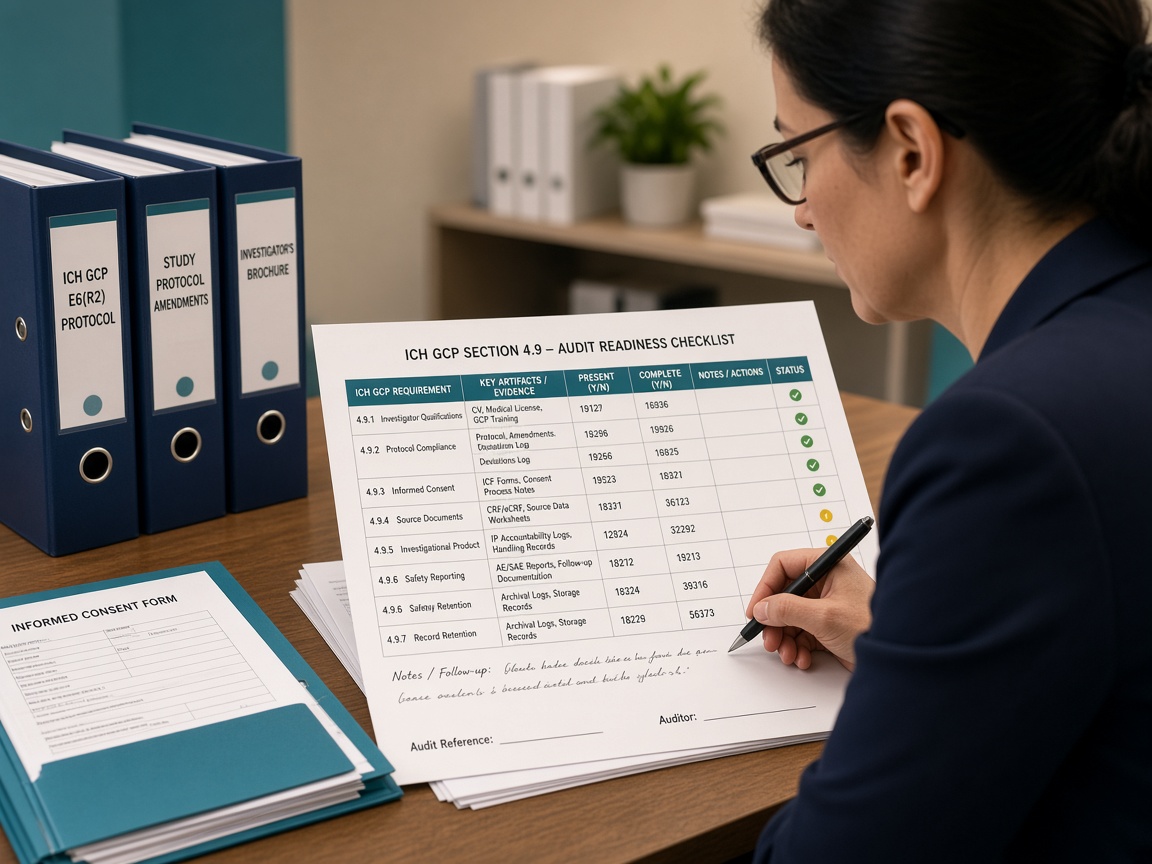
Map ICH-GCP, protocol, and SOP requirements to actual TMF, monitoring, and quality evidence — then close gaps with a reviewed CAPA pack.
Learn more →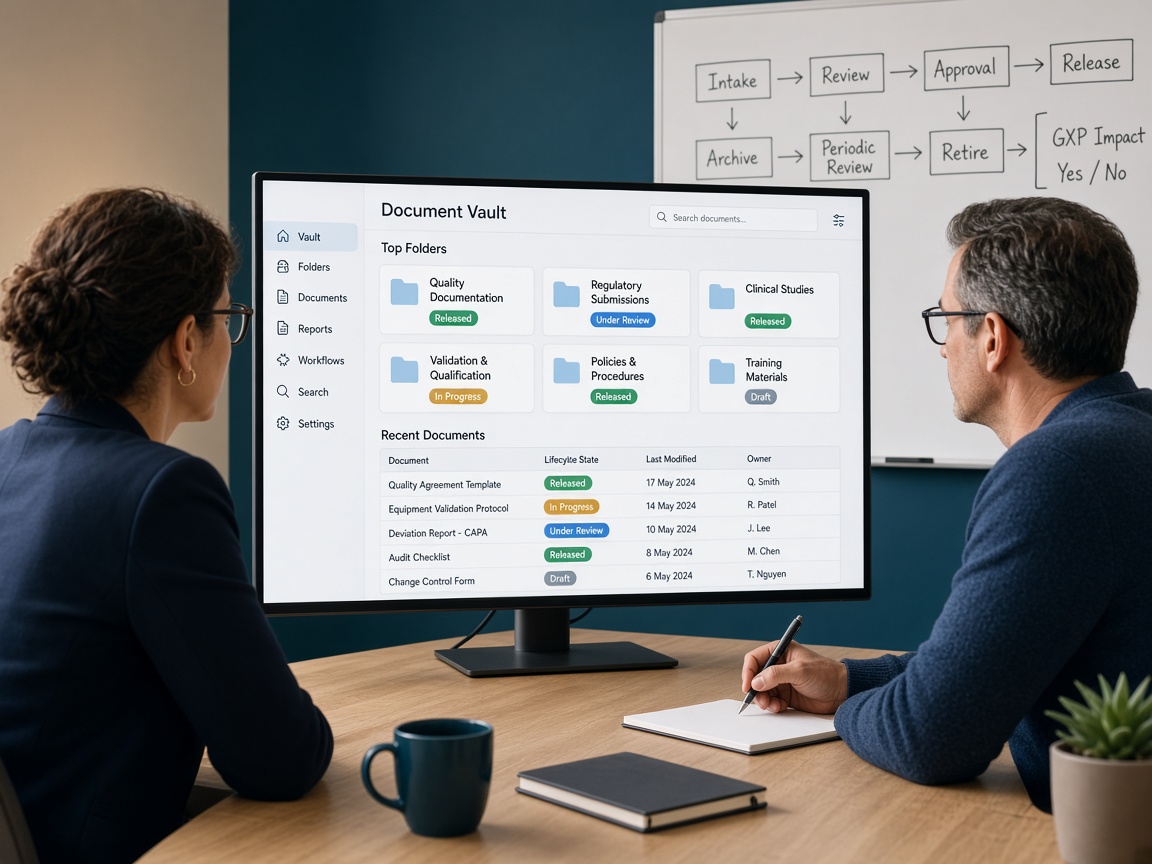
Run Vault after go-live: administration, releases, change control, and delta validation — with AI watching drift and tickets, and your system owner still approving production changes.
Learn more →
Apply GAMP 5 and FDA computer software assurance so testing follows patient-safety and data-integrity risk — not a copy-paste IQ/OQ/PQ for every screen.
Learn more →
Build and keep a risk-based qualification file for CROs, labs, IRT/EDC/eTMF vendors, and GxP cloud — AI compares answers to your SOP; QA decides approve or reject.
Learn more →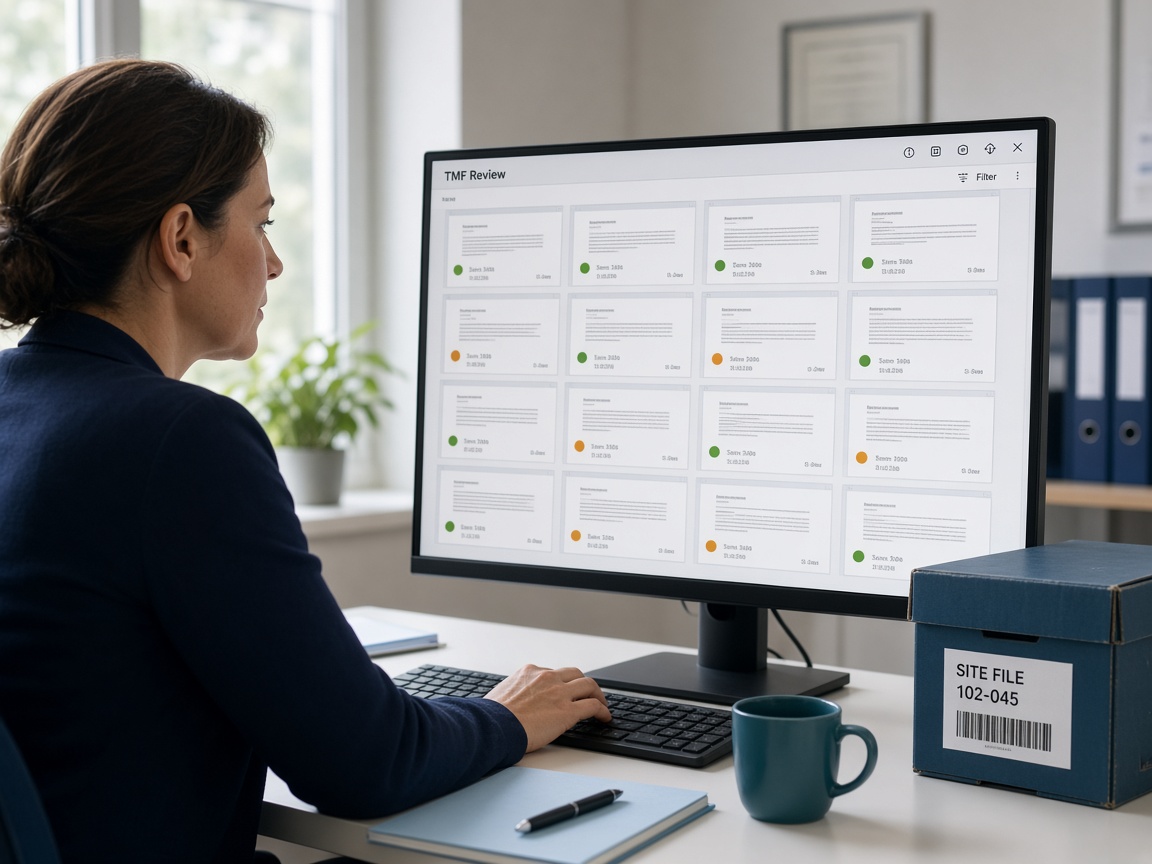
Reconcile the electronic TMF to the TMF plan and milestones — completeness, QC, and inspectability — with AI pre-checks and TMF specialists issuing the official metric.
Learn more →
Run a scored mock: narrative, war-room index, interviews, and a 30-day closeout plan — AI builds the pack; experienced reviewers run the room.
Learn more →