Clinical quality and compliance

GCP, Veeva, validation, and inspection readiness — with people still in charge.

CliniGene supports quality, clinical, and validation teams with practical work: audit maps, Veeva managed services, CSA rationale, vendor files, SOPs, eTMF review, and mock inspections. AI drafts the first pass. A specialist reviews before anything is official.

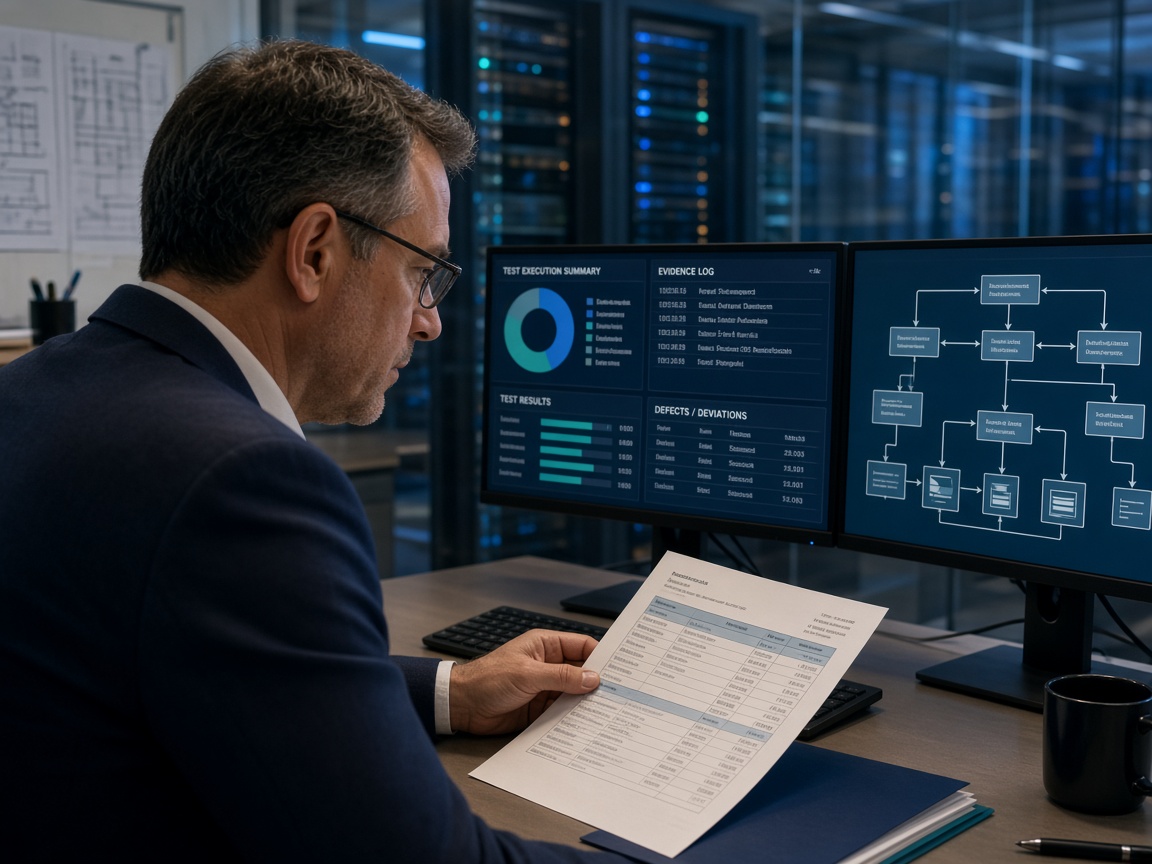
Quality specialists reviewing clinical trial files
GCP & audit readiness

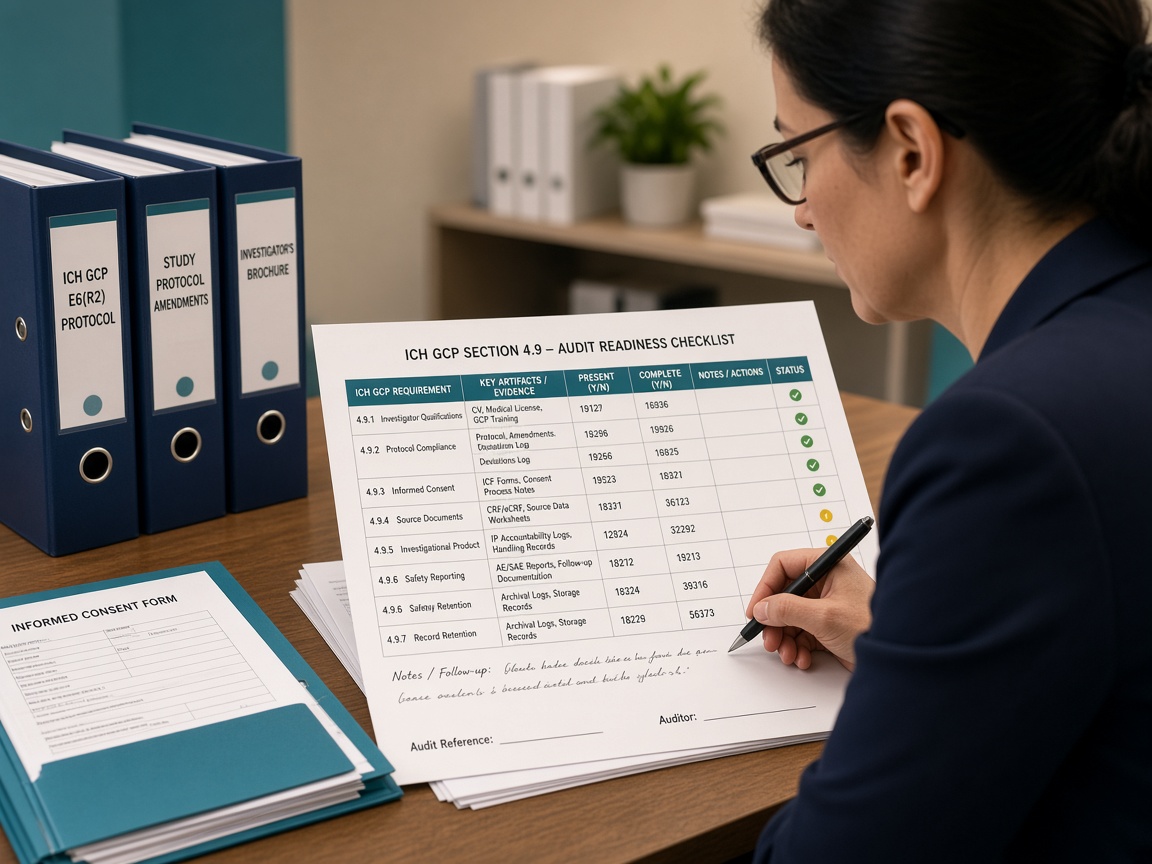
GCP compliance and audit readiness

GCP audit readiness is not a slide deck. It is whether an auditor can follow a subject, a visit, a deviation, or a consent from the protocol to a filed artifact, and whether your quality system can explain what is missing. CliniGene uses AI to do the first pass of that mapping at scale. A GCP specialist then writes the official findings.

Where teams get stuck

  • TMF completeness reported as a percentage with no clause-level evidence map
  • Monitoring reports filed, but follow-up actions not closed or not traceable
  • Consent versions not reconciled to amendment dates at site level
  • CAPAs closed on status, not on new evidence
  • Training matrices that do not match the people who actually touched the trial

Standards we score against

  • ICH-GCP E6(R2) and E6(R3) principles and sponsor/investigator duties
  • Protocol, IB, and amendments in force by visit date
  • Your GCP, monitoring, TMF, deviation, and training SOPs
  • 21 CFR 312 / 812 and applicable local requirements when in scope
  • ALCOA+ for records that support data integrity findings

AI layers (then a person)

  1. Corpus control We only index the trial(s), SOP set, and systems you name. The model is instructed to judge against those sources, not against generic internet GCP text. Out-of-scope studies are excluded so findings cannot be invented from another program.
  2. Clause-to-artifact mapping Each selected ICH-GCP clause and SOP requirement is paired with the TMF artifact type (or CTMS/EDC record) that would satisfy it. AI lists present, weak, missing, or wrong-version evidence and points to the expected zone/section in your TMF plan.
  3. Temporal consistency Consent, amendment, monitoring visit, and deviation dates are checked against each other. A common finding is a visit conducted under the previous protocol without a documented waiver — AI flags the date collision; a person decides if it is a true deviation.
  4. Repeat-theme clustering The same gap at many sites (late monitoring report, unsigned DoA, missing temperature log) is grouped so you fix the process, not only the file. Specialists set severity and whether it is systemic.
  5. CAPA language, not CAPA decisions AI drafts finding text, likely root-cause prompts, and suggested evidence to attach on close. QA assigns owner, due date, and classification. Nothing enters the official CAPA system until a person pastes and signs.

Process steps

  1. 1

    Define the audit question

    Agree which trial(s), which sites if any, which systems (eTMF, CTMS, EDC, safety, IRT), and whether this is a sponsor audit, CRO oversight, for-cause, or inspection prep. Write what “ready” means in one paragraph so the AI is not given a wandering brief.

  2. 2

    Collect the controlled pack

    Protocol family, TMF plan and index, SOP list with effective dates, monitoring plan, CAPA log, and exports you can legally share. We work in a restricted workspace. We do not use your files to train public models.

  3. 3

    Build the requirement library

    AI extracts enforceable requirements from ICH-GCP and your SOPs (not guidance fluff). The specialist edits the library — this is the checklist the rest of the work is scored against.

  4. 4

    Map evidence

    Inventory extract vs. requirement library. Each row is present / weak / missing / not applicable, with a pointer. Weak means the artifact exists but is unsigned, wrong version, or does not cover the date range.

  5. 5

    Specialist review

    Every AI-suggested finding is accepted, merged, rewritten, or dismissed. Dismissals are kept so you can show an inspector the machine was not the decision-maker.

  6. 6

    Risk rank

    Patient safety, data integrity, and inspection visibility. High-visibility items (consent, IP, SAE reporting, investigator oversight) are called out even when the TMF “completeness %” looks fine.

  7. 7

    Issue the audit-readiness pack

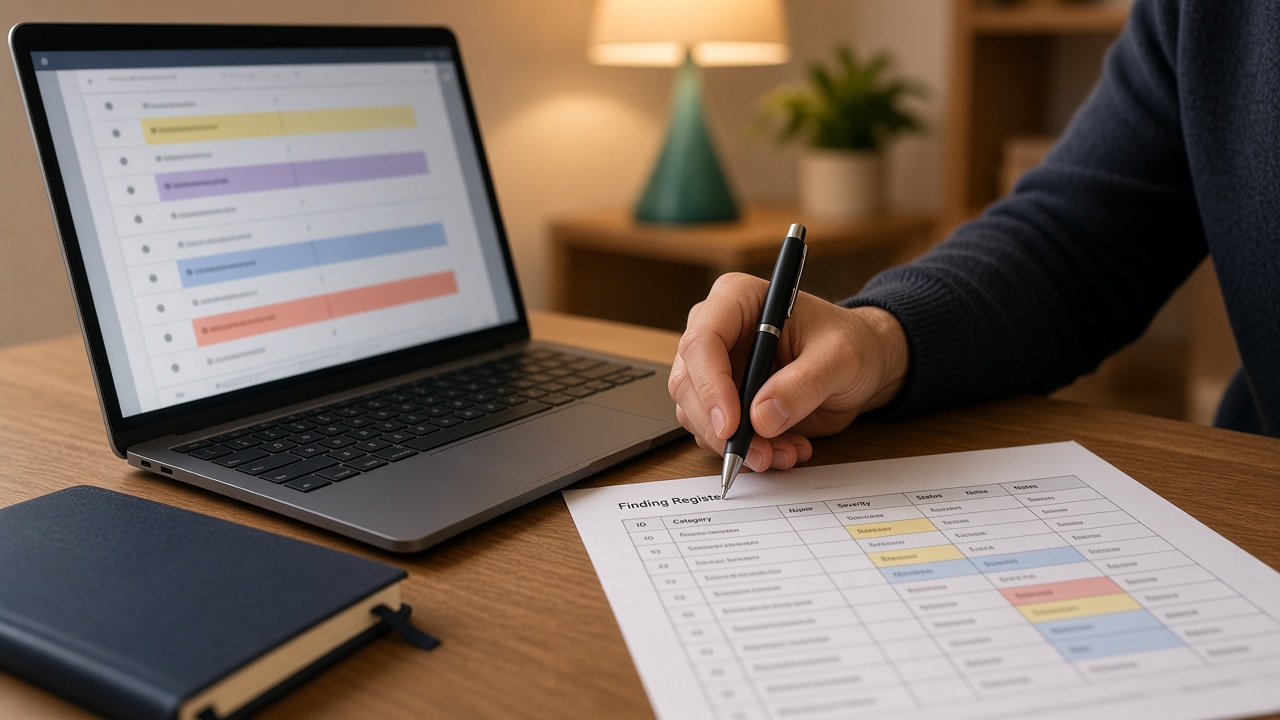
    Clause-to-evidence matrix, finding register with reviewer name, CAPA drafts, and a briefing: the ten questions an auditor will ask first and where the answer lives.

  8. 8

    Re-check on close

    When you upload the new artifact, AI re-runs only those rows. Closed means new evidence, not a status flip.

Veeva managed services

Veeva managed services

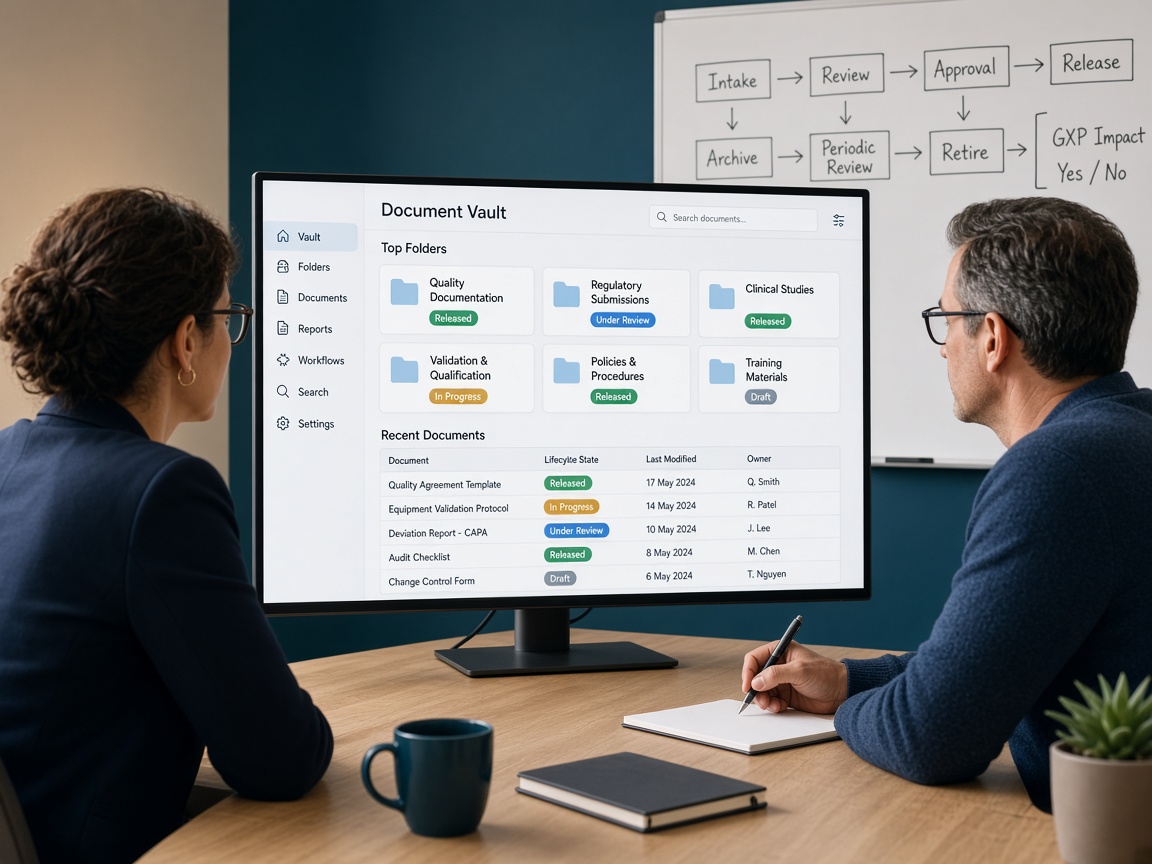
A Vault that is “live” is not finished. Releases arrive, roles drift, tickets pile up, and the SOP no longer matches the screens. CliniGene operates Veeva as a managed service: we keep intended use current, classify work, draft change and release assessments, and support administration under your change-control SOP. Your Vault owner still approves what goes to production.

Where teams get stuck

  • No one can say what the vault is intended to do in one paragraph
  • General releases applied with a hope and a smoke test
  • Configuration changed in production with no workbook update
  • Ticket backlog that mixes defects, training, and enhancements
  • Roles and overlays that no longer match the SOP

Standards we score against

  • Your intended-use statement and the last approved validation / CSA pack
  • GAMP 5 and FDA CSA for delta and periodic review
  • 21 CFR Part 11 / EU Annex 11 for electronic records and signatures
  • Your change-control, access-management, and document-control SOPs
  • Veeva release documentation, constrained by how you actually use the vault

AI layers (then a person)

  1. Living intended use From your SOPs, last validation pack, and current admin screens, AI keeps a draft of who uses the vault, for which GxP records, and what must not change without assessment. You edit it until it stays true.
  2. Release impact draft Vendor release notes are read against your intended-use list and configuration. AI proposes what is likely relevant, what is cosmetic, and what needs a delta-validation look. Your CSA owner decides the official split.
  3. Config-drift watch Periodic exports or screenshots are compared to the last approved workbook. New states, roles, workflows, or overlays are listed before they become an inspection surprise.
  4. Ticket taxonomy Incoming requests are drafted into training, defect, enhancement, or access. That keeps the backlog honest and feeds change control instead of silent production edits.
  5. Change-assessment language For an approved enhancement, AI drafts the impact note, SOP touch-points, and suggested test ideas. Your change board and validation lead still classify and sign.
  6. Ops pack for inspection A current intended-use paragraph, last release assessment, open changes, and who can pull an audit trail — so the war room is not a search party.

Process steps

  1. 1

    Onboard the vault

    Which applications, who the system owner is, how access is granted, and what “managed” covers this quarter (admin only, releases, changes, or all three).

  2. 2

    Freeze a baseline

    Intended use, configuration workbook (or a first harvest if you never had one), last validation summary, and the ticket/change SOP we will follow.

  3. 3

    Stand up the operating rhythm

    Release calendar, change intake, access requests, and a weekly or biweekly review. AI drafts; named people decide.

  4. 4

    Triage and administer

    Users, roles, overlays, and documented configuration work under your access rules. We do not improvise in production.

  5. 5

    Assess each release

    Impact draft → specialist review → delta-validation or documented rationale that nothing GxP-critical moved → your quality approval.

  6. 6

    Run changes as changes

    Enhancements go through impact, SOP check, test ideas, and your change control. Drift that appeared without a change is a finding, not a feature.

  7. 7

    Keep the file inspectable

    Workbook, release assessments, ticket themes, and residual risk stay current. That file is what CSV/CSA and inspection-readiness will ask for.

  8. 8

    Review the quarter

    What we operated, what still belongs to you, SOP deltas, and whether the managed scope should grow or shrink.

CSV and CSA

CSV and CSA

Computer system validation (CSV) and computer software assurance (CSA) are how you prove a GxP system is fit for intended use. CSA asks you to think: which functions can harm a subject or the data, and what assurance is already available from the vendor? CliniGene uses AI to draft intended use, risk scenarios, and test ideas from your manuals and SOPs. Your CSA owner decides the official mix of scripted tests, unscripted assurance, and vendor evidence.

Where teams get stuck

  • No intended-use paragraph; validation scope is “the whole system”
  • GAMP category argued in email, not in the VP
  • Same scripted depth for a report color and for an e-signature
  • Vendor validation package unread; everything re-tested
  • Periodic review is a calendar reminder with no release diff

Standards we score against

  • FDA Computer Software Assurance for Production and Quality System Software (2022 guidance)
  • GAMP 5 2nd edition — categories, risk, supplier assessment
  • 21 CFR Part 11, EU Annex 11, and your Part 11 SOP
  • ALCOA+ / data-integrity policy
  • Your CSV/CSA SOP and periodic-review procedure

AI layers (then a person)

  1. Intended-use draft From SOPs and architecture notes, AI proposes who uses the system, on which GxP records, and what a wrong result would do. You edit this until it is boring and true — that paragraph drives everything else.
  2. Boundary and GAMP hint Interfaces, SOUP, cloud vs. on-prem, configurability. AI suggests a GAMP category and supplier-assessment questions. The team confirms the system boundary (what is in the VP vs. a connected system’s VP).
  3. Risk scenarios Failure modes against safety, product quality, and data integrity (including audit trail, access, backup). Each function gets a suggested risk and a suggested assurance type: vendor evidence, automated test, unscripted, or scripted protocol.
  4. CSA rationale table The split is written as a table an inspector can read: function, risk, assurance method, pointer to evidence. If you cannot fill a cell, that function is not assured yet.
  5. Protocol and evidence index Scripted steps and expected results are drafted only for high-risk / no-vendor-evidence functions. Screenshots and logs are indexed so the report cites files, not “passed.”
  6. Delta / periodic review New vendor release notes or config exports are diffed against the last validated state. AI proposes a delta plan; you decide what must be re-assured.

Process steps

  1. 1

    Name the system and the owner

    One system owner, one validation lead, one quality approver. CSA fails when “everyone” owns it.

  2. 2

    Write intended use

    Workshop + AI draft + edit. Include what the system must not be used for (e.g. not the legal source of a submission number).

  3. 3

    Inventory functions and interfaces

    From manuals and admin screens. Mark GxP-critical vs. administrative.

  4. 4

    Risk workshop

    Walk high-impact functions. AI comes with a draft FMEA-style list; the room scores and cuts.

  5. 5

    Document the assurance mix

    Vendor pack, automated tests, unscripted sessions, scripted IQ/OQ/PQ — each with a why. This is the CSA record.

  6. 6

    Author and execute

    We draft protocols and the evidence index. Testers execute under your SOP. Deviations are written with AI-assisted language; classification is human.

  7. 7

    Report and release

    Summary report ties each critical function to evidence. Residual risk is listed, not hidden.

  8. 8

    Park the periodic-review machine

    A checklist and a place to drop the next release notes so the next review is a diff, not a rewrite.

Not sure which service you need?

Email hello@clini-gene.com with a sentence about the audit, Vault, or inspection. We will suggest the right starting point.

hello@clini-gene.com

Vendor qualification

Vendor qualification and oversight

Vendor qualification is a file you can hand an inspector: questionnaire, quality agreement, audit or desktop review, CAPAs, certificates, and the last periodic review. CliniGene uses AI to inventory what arrived, map answers to your SOP and Part 11/Annex 11 expectations, and flag contradictions. The qualification decision is always a person.

Where teams get stuck

  • One questionnaire for every vendor regardless of GxP impact
  • Quality agreement unsigned or silent on CAPA, audit, and data return
  • Desktop review that restates the vendor brochure
  • No periodic review; certificates lapse unnoticed
  • Subcontractors of the CRO never appear in your file

Standards we score against

  • Your vendor qualification / supplier SOP and quality-agreement template
  • ICH-GCP sponsor duties for vendors and subcontractors
  • 21 CFR Part 11 / Annex 11 when the vendor holds GxP electronic records
  • Data-processing and privacy terms you require
  • ISO 9001 / 27001 / SOC 2 as supporting evidence, not a substitute for GxP

AI layers (then a person)

  1. Tiering draft From the service description, AI suggests a GxP impact tier (trial conduct, GxP data processor, GxP computer system, facilities, low impact) and the matching pack: questionnaire depth, audit vs. desktop, review cycle.
  2. Pack inventory What arrived vs. what the SOP requires for that tier. Missing DPA, missing validation summary, missing org chart for the quality unit — listed before anyone writes a report.
  3. Control mapping Each questionnaire answer and certificate claim is mapped to your SOP and to Part 11/Annex 11 / data-integrity expectations. Vague answers (“we are secure”) are quoted so QA can send a precise follow-up.
  4. Contradiction check SOC 2 says one hosting region; the questionnaire says another. Last audit CAPA still open; the new questionnaire says no open CAPAs. AI lists the pair; the reviewer asks.
  5. Audit agenda or desktop-report draft High-tier: agenda built from the gaps. Desktop: report body drafted. Findings and classification are written by the auditor / QA.
  6. Oversight plan KPIs, review cadence, and what triggers for-cause review. Periodic review re-reads new certs and tickets against last year’s file.

Process steps

  1. 1

    List vendors and services

    What they do on this trial or in this QMS, including known subcontractors.

  2. 2

    Assign a tier

    Workshop using your SOP. AI may suggest; you lock the tier so the rest of the file is consistent.

  3. 3

    Request the pack

    Questionnaire, QA draft, DPA, validation/assurance summary, certs, org/quality contacts.

  4. 4

    Inventory and map

    AI gap list + control map. QA sends one consolidated query list, not a week of scattered emails.

  5. 5

    Review or audit

    Desktop or on-site/remote audit. We prepare; your qualified auditor (or ours if engaged as such) issues findings.

  6. 6

    Quality agreement

    Redline roles, deviations, CAPA, audit rights, data return, subcontracting notice. Legal and QA both see it.

  7. 7

    Qualification decision

    Approve, conditional (with dated conditions), or reject. Conditions become tracked CAPAs in your system.

  8. 8

    Oversight and periodic review

    KPI pack and a calendar. On review, AI diffs new evidence; you decide whether the tier or approval still holds.

SOPs & validation docs

SOP and validation-document development

Inspectors read your SOP and then watch the process. If those two stories differ, you have a finding. CliniGene develops controlled documents from interviews and the real system, not from a generic template dump. AI produces the structured first draft and a cross-SOP conflict list. Your process owner and QA revise; document control makes it effective.

Where teams get stuck

  • Orphan forms — a form with no parent SOP
  • Two SOPs that assign the same approval to different roles
  • Validation plan that does not match the SOP’s system name
  • Periodic review overdue; no one knows what changed
  • Training quiz that tests the old procedure

Standards we score against

  • Your document-control SOP (numbering, review, training, periodic review)
  • Linked process SOPs (deviation, change control, training, data integrity)
  • GCP / CSV / CSA / TMF procedures this document must not contradict
  • Your validation templates (VP, RA, IQ/OQ/PQ, RTM, VSR)
  • ALCOA+ language where records are created

AI layers (then a person)

  1. Inventory and orphans List SOP/WI/form/validation docs, owners, and next review date. Flag forms without a parent and titles that collide.
  2. Process map from the room Interview + screenshots → trigger, roles, systems, records, exceptions. This map is what the SOP must say. If the room cannot agree, we do not paper over it.
  3. Template-faithful draft Purpose, scope, responsibilities, procedure, records, references — in your header. Cross-references are placeholders until the owner confirms numbers.
  4. Conflict pass Compare the draft to sibling SOPs and to the validation workbook. “QA approves in SOP-12; SOP-19 says the system owner approves.” Listed, not silently picked.
  5. Validation set alignment VP, RA, protocol, and report drafts share one function list. AI checks the names match. Your validation lead still owns the science of the tests.
  6. Effective packet Change-history paragraph, training outline, quiz items if you use them. Document control runs the workflow.

Process steps

  1. 1

    Scope the document set

    Which SOP family or which validation pack. Name the owner and QA reviewer before drafting.

  2. 2

    Walk the process

    Live system or last inspection path. Record the ugly exceptions; they belong in the SOP or they will become deviations.

  3. 3

    Inventory and map

    AI inventory + process map. Owner confirms “this is how we work” or we stop and fix the process first.

  4. 4

    Draft

    SOP/WI/form or VP/RA/protocol/report in your template.

  5. 5

    Technical and QA review

    Comment log. AI can cluster comments; resolution is human. We keep the log for the approval packet.

  6. 6

    Cross-check

    Sibling SOPs, validation names, form fields vs. procedure steps.

  7. 7

    Training and change history

    What changed and who must be trained before effective.

  8. 8

    Handoff to document control

    You publish. We do not click Effective in your QMS unless that is explicitly in the engagement and your SOP allows it.

Not sure which service you need?

Email hello@clini-gene.com with a sentence about the audit, Vault, or inspection. We will suggest the right starting point.

hello@clini-gene.com

eTMF quality review

eTMF quality review

eTMF quality is not a green dashboard. It is whether the artifact that should exist for this milestone exists, is the right version, is identifiable to the study/site, and would survive an inspector reading it. CliniGene uses AI to pre-score inventory and documents. TMF specialists perform official QC and decide what is a miss vs. an allowed lag.

Where teams get stuck

  • Placeholder counted as complete
  • Duplicates and superseded versions still “current”
  • Site vs. sponsor artifacts mixed or missing at one level
  • QC comments in email, not in a reopenable log
  • No punch list owners; the same gaps return next quarter

Standards we score against

  • TMF Reference Model (or your sponsor index) and your TMF plan
  • Milestone expectations (SIV, FPI, LPLV, CSR, etc.)
  • ICH-GCP essential documents
  • Your TMF SOP, QC checklist, and quality metrics definition
  • Vault or other eTMF naming and country-pack rules

AI layers (then a person)

  1. Expected vs. actual From the TMF plan and milestone, AI builds the expected list and reconciles the inventory export. Placeholders and “expected later” are called out separately from collected.
  2. Identity and dating Study/site IDs, document dates vs. event dates, obvious unsigned or 0-byte files. Specialists still do official QC.
  3. Classification assist Suggested zone/section when a document is in the wrong place. People move it under your procedure.
  4. Theme clustering The same QC fail at many sites — unsigned DoA, late MVR, country-pack incomplete — so operations can fix the intake process.
  5. Inspection-first shortlist The artifacts an inspector will ask for on day one, with path and QC status, so the war room is not a search party.
  6. Re-score loop Only changed artifacts are re-checked so the metric moves with evidence.

Process steps

  1. 1

    Lock the plan and the cut date

    Which TMF plan version, which milestone, 100% vs. sample QC, and which artifact types are always 100% (usually consent and investigator).

  2. 2

    Export the inventory

    Vault or other eTMF. Agree what “collected” means in your report (placeholder ≠ collected).

  3. 3

    Completeness reconcile

    Expected vs. actual. Output is a list, not only a percentage.

  4. 4

    QC pass

    AI pre-score then specialist QC per your checklist. Fail reasons are coded so themes are real.

  5. 5

    Theme and ops feedback

    Intake, site, or CRO process changes — not only “please refile.”

  6. 6

    Dashboard and shortlist

    % expected collected, % QC passed, placeholder aging, inspection-first list.

  7. 7

    Punch list with owners

    Each miss has a name and a date. We do not leave a 400-row spreadsheet with no owner.

  8. 8

    Re-check

    On re-upload, re-score those rows. Report the delta.

Inspection readiness

Inspection-readiness assessments

Inspection readiness is whether people and documents tell the same story under time pressure. CliniGene assembles the narrative and the war-room index with AI, then runs mock front-room / back-room drills. Findings are written by reviewers who have sat in those rooms. We do not invent a regulatory opinion or predict a 483.

Where teams get stuck

  • No single narrative — each function has a different story
  • Document retrieval over 10 minutes or “we will email it”
  • SMEs who have never been interrupted mid-answer
  • Audit trail demo that only one IT person can perform
  • Open CAPAs from the last inspection with no evidence of effectiveness

Standards we score against

  • Applicable inspectorate practice (FDA BIMO / PAI, EMA, MHRA, or sponsor QA)
  • ICH-GCP and your SOPs for the scoped process
  • Prior commitments, 483s, CAPAs, and audit findings still open
  • eTMF / QMS / validation evidence paths
  • Your inspection SOP (front room, back room, scribe, hold)

AI layers (then a person)

  1. Narrative harvest Protocol deviations, safety summaries you provide, CAPA log, previous findings → draft “what they will want explained first.” Specialists edit tone and cut speculation.
  2. Question-to-path map Likely questions paired with TMF ID, SOP number, VP/report, or system screen. Missing path = readiness gap.
  3. Commitment tracker Prior 483 / audit items vs. current evidence. Still open is a finding before the inspector arrives.
  4. Interview notes Optional transcription and theme tags after the mock. Scoring of answers is human.
  5. Closeout plan Day-by-day list for 30 days: who files what. AI can keep the list; owners are named by you.

Process steps

  1. 1

    Inspection profile

    Authority, scope (study, site, sponsor system, vendor), dates, and known history. Write what “ready” means for this event.

  2. 2

    Harvest and narrative

    AI draft + specialist edit. This becomes the briefing the leadership team shares — one story.

  3. 3

    War-room index

    Every likely question → artifact path. Gaps become the punch list (and often feed eTMF review and GCP mapping).

  4. 4

    Room and access rehearsal

    Who sits where, who scribes, how a document is requested, how an audit trail is pulled, who says “we will get that.”

  5. 5

    Mock interviews

    Front room / back room. We interrupt, ask for the document, and compare the spoken answer to the file. Contradictions are findings.

  6. 6

    System / facility tour

    For PAI or computer-system scope: rooms, access, backup, clock sync, account provisioning. Gaps on the same register.

  7. 7

    Score and briefing book

    Readiness score by theme (consent, oversight, IP, safety, data integrity, systems, prior commitments). Briefing book the team can actually use.

  8. 8

    30-day closeout

    Owned tasks. We can re-score the index after close. We do not claim you will have zero observations.

How AI is used

The same control pattern on every service

A specialist reviewing AI-drafted findings on paper and screen
1

Lock the standard

Intended use, SOP, ICH-GCP clause set, TMF plan, or CSA procedure. The model is not allowed to invent a different bar.

2

Draft, then review

AI produces matrices, scripts, QC flags, and first drafts. A named specialist accepts, edits, or rejects each item.

3

Leave an audit trail

Findings, dismissals, and re-checks are kept so you can show what was machine-assisted and what a person signed.

Who we serve

Quality, clinical, validation, and TMF teams

Built for organizations that already own GxP decisions and want the document and review cycle shortened — not the quality unit replaced.

hello@clini-gene.com · Contact form

  • Sponsor and CRO GCP / QA audit teams
  • Veeva Vault owners and operations leads
  • CSV and CSA / computer-system validation
  • Vendor management and qualification
  • Document control and SOP / validation authors
  • TMF managers and inspection-prep leads
Contact

Tell us what you are preparing for

Email hello@clini-gene.com or send the form. Mention the study, Vault, vendor, or inspection date if you have one.

Send a message

Email hello@clini-gene.com if you prefer not to use the form.

See Privacy. We reply with how we can help and what we need next.