Expected vs. actual
From the TMF plan and milestone, AI builds the expected list and reconciles the inventory export. Placeholders and “expected later” are called out separately from collected.
Services / eTMF quality review
eTMF quality revieweTMF quality is not a green dashboard. It is whether the artifact that should exist for this milestone exists, is the right version, is identifiable to the study/site, and would survive an inspector reading it. CliniGene uses AI to pre-score inventory and documents. TMF specialists perform official QC and decide what is a miss vs. an allowed lag.
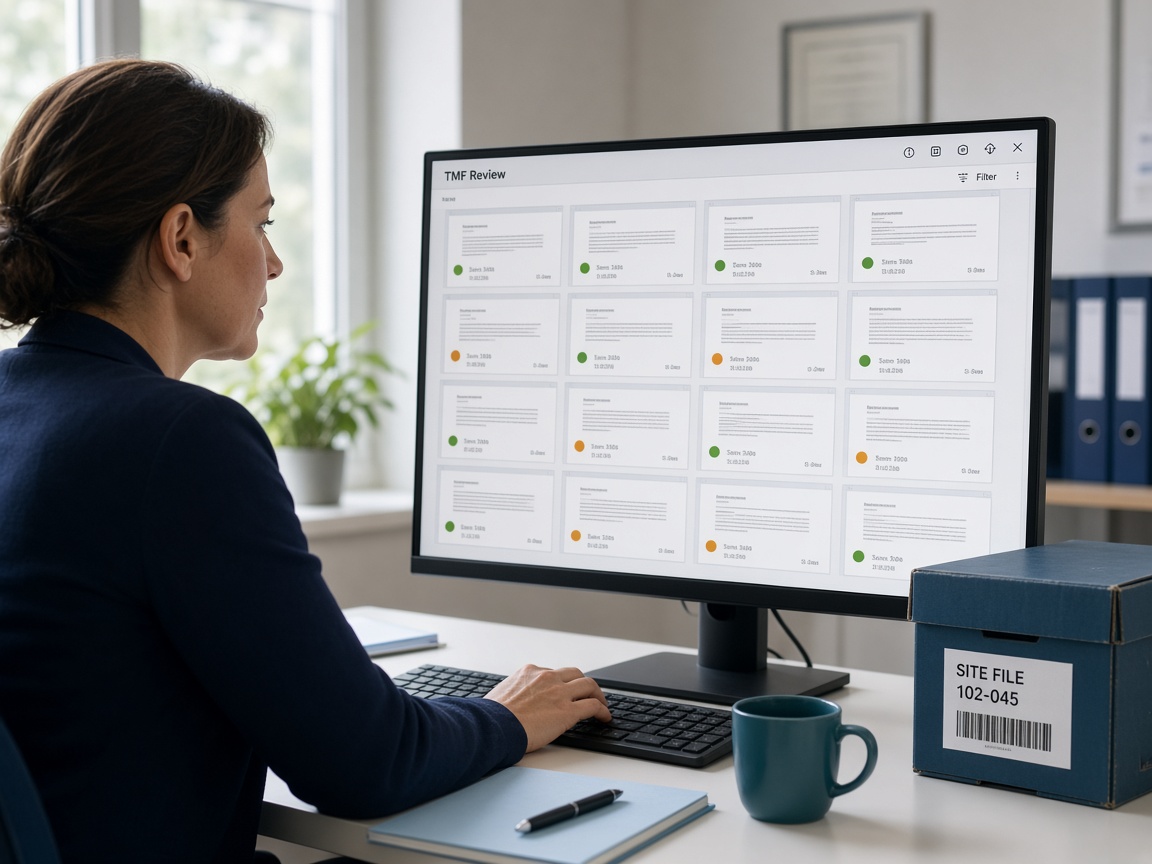
Completeness percentages hide empty placeholders, wrong-zone filings, and documents that fail QC (no date, no signature, wrong study ID). Teams export a Vault report, celebrate 90%, and then fail the first consent pull in the inspection room.
QC is expensive if every document is read by a person from scratch. It is reckless if nobody reads. The useful pattern is machine pre-check + human QC on a defined sample or on 100% of high-risk artifacts (consent, 1572/equivalent, IP, SAE, monitoring).
AI can classify, date-check, and detect obvious emptiness. It cannot decide that a late monitoring report is acceptable because of a documented exception — that is your TMF plan and your specialist.
Day one, an inspector asks for a consent, a 1572/equivalent, a monitoring report, and an IP document. You should have path, QC status, and a person who can retrieve it in minutes — not a 90% dashboard.
TMF managers, clinical operations, QA, and study leads who need a defensible completeness and quality picture before audit, lock, or submission-adjacent milestones.
On eTMF work, AI reconciles expected vs. actual, pre-scores identity/dating, and clusters QC themes. TMF specialists issue official QC and decide allowed lag vs. a miss. AI drafts maps, flags, first-pass language, and punch lists. A named specialist accepts, edits, or dismisses every official finding. AI does not sign a quality record, approve a vendor, freeze Vault, or speak in an inspection.
Questions on fit? hello@clini-gene.com or the contact form.
Start before LPLV, CSR, or a known inspection window — especially when completeness is a high percentage with heavy placeholders. Also start after a CRO handover when you do not trust the dashboard.
Pair this with GCP readiness when an inspection is near: eTMF is the file; GCP is the clause and quality-system story.
Each layer has a human gate. AI does not write the official quality record.
From the TMF plan and milestone, AI builds the expected list and reconciles the inventory export. Placeholders and “expected later” are called out separately from collected.
Study/site IDs, document dates vs. event dates, obvious unsigned or 0-byte files. Specialists still do official QC.
Suggested zone/section when a document is in the wrong place. People move it under your procedure.
The same QC fail at many sites — unsigned DoA, late MVR, country-pack incomplete — so operations can fix the intake process.
The artifacts an inspector will ask for on day one, with path and QC status, so the war room is not a search party.
Only changed artifacts are re-checked so the metric moves with evidence.
Send the study, Vault, vendor, or inspection window. We will say what we need and what a first pass looks like.
Which TMF plan version, which milestone, 100% vs. sample QC, and which artifact types are always 100% (usually consent and investigator).
Vault or other eTMF. Agree what “collected” means in your report (placeholder ≠ collected).
Expected vs. actual. Output is a list, not only a percentage.
AI pre-score then specialist QC per your checklist. Fail reasons are coded so themes are real.
Intake, site, or CRO process changes — not only “please refile.”
% expected collected, % QC passed, placeholder aging, inspection-first list.
Each miss has a name and a date. We do not leave a 400-row spreadsheet with no owner.
On re-upload, re-score those rows. Report the delta.
Setting. Typical: eTMF in Vault, LPLV approaching, completeness 88% with heavy placeholders, inspection possible in a quarter.
What we do. Reconcile to the TMF plan, 100% QC on consent/investigator/IP/safety, sample QC on the rest, theme report to the CRO, punch list, re-check two weeks later.
What you can show. You can say what is actually collected, what failed QC, and what an inspector will see first — with owners.
A single-study completeness + risk-based QC pass is often 3–8 weeks. Ongoing QC as a service is monthly or per milestone.
Email hello@clini-gene.com or use the form. Mention eTMF quality review so we route it correctly.
Email hello@clini-gene.com or send this form. The process is already selected.
Tell us the trial, Vault, vendor, or inspection date and what “done” looks like.
Email hello@clini-gene.com if you prefer not to use the form.
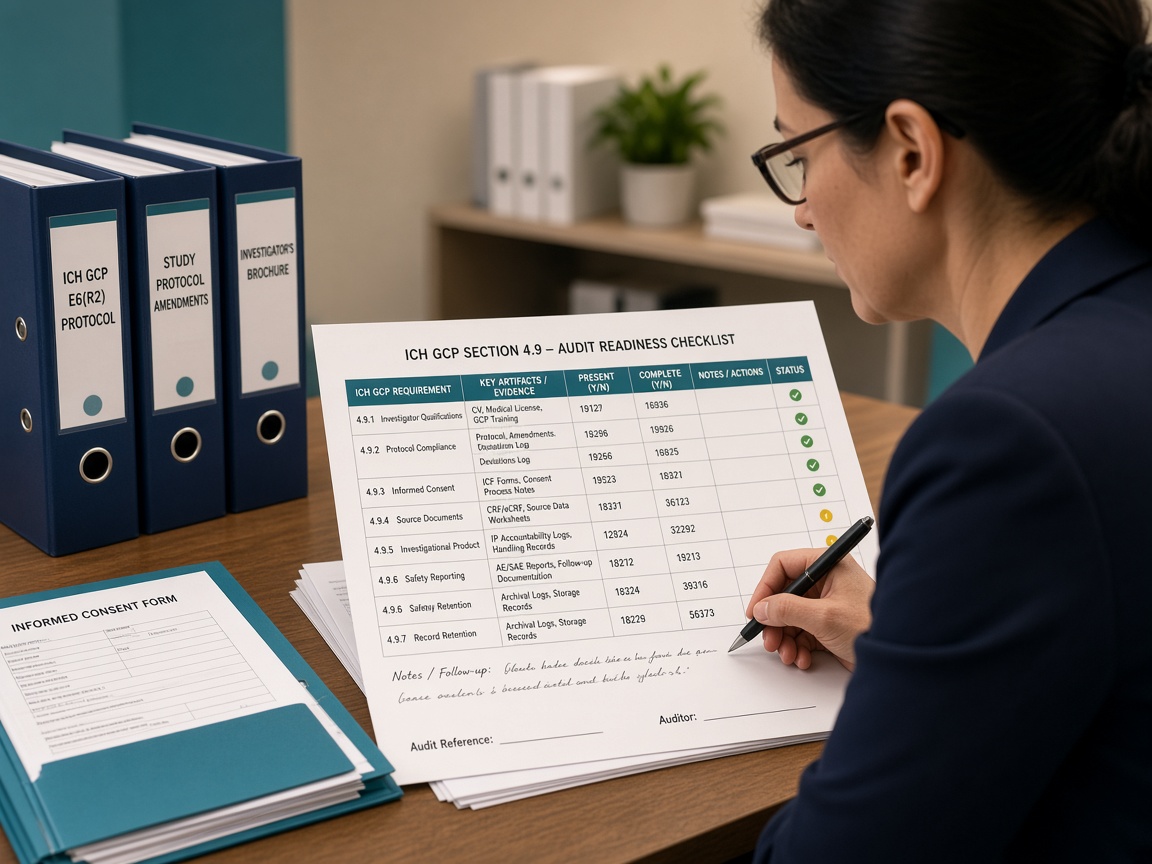
Map ICH-GCP, protocol, and SOP requirements to actual TMF, monitoring, and quality evidence — then close gaps with a reviewed CAPA pack.
Learn more →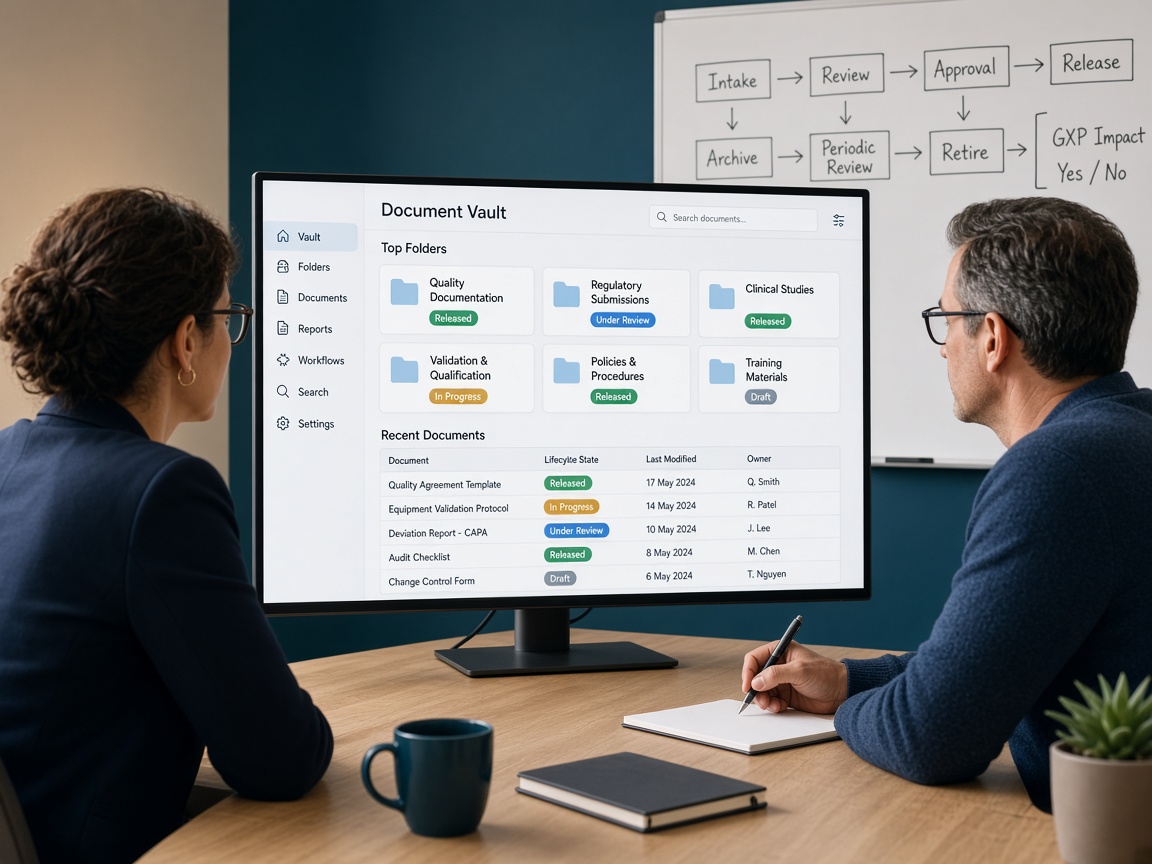
Run Vault after go-live: administration, releases, change control, and delta validation — with AI watching drift and tickets, and your system owner still approving production changes.
Learn more →
Apply GAMP 5 and FDA computer software assurance so testing follows patient-safety and data-integrity risk — not a copy-paste IQ/OQ/PQ for every screen.
Learn more →
Build and keep a risk-based qualification file for CROs, labs, IRT/EDC/eTMF vendors, and GxP cloud — AI compares answers to your SOP; QA decides approve or reject.
Learn more →
Write SOPs, work instructions, forms, validation plans, and reports that match the process people actually run — AI first draft, owner and QA edit, document control publishes.
Learn more →
Run a scored mock: narrative, war-room index, interviews, and a 30-day closeout plan — AI builds the pack; experienced reviewers run the room.
Learn more →